
Avoid becoming the office cheesy puff, learn how to be cybersafe!

While cybersecurity professionals are busy trying to confirm whether cybersecurity is one word or two, Corporate Morons© are being hacked faster than you can say ‘password123.’
With the password he uses for everything scribbled on sticky note stuck to his unsecured laptop and unauthorized third-party software downloads that haven’t been updated in 3 versions, Cyber Risk Ray logs onto an unsecured airport Wi-Fi network to check his email.
When he isn’t inviting hackers to steal his personal and confidential corporate information directly from his work laptop, Ray uses a company-provided cell phone. Ray’s niece bypassed the corporate security software installed on his phone after he read an article about how corporations are using them to track employees and supposedly violating privacy laws. While doing so, she inadvertently removed his antivirus software and malware remover.
Despite removing or disabling all security tools designed to protect him and his company, Ray still thinks he’s protected because he didn’t get sucked in by the most recent phishing attempts at work and he seems to believe his IT department can look after him via osmosis. All cybersecurity protocols are rendered useless against Cyber Risk Ray, and despite numerous studies confirming that most corporate data breaches are caused by company employees, Ray doesn’t think he’s the problem.
On his way from Canada to China to finalize the negotiations for a lucrative contract, his executive assistant used his credentials to log onto airline and hotel websites to book his flights and accommodations. The deal is confidential, so he wants to keep this trip under wraps. He doesn’t know his passwords and corporate credit card information anyway.
Bypassing all cyber, corporate, and travel security protocols, Cyber Risk Ray doesn’t understand the risk he has opened himself and his company up to. Too bad the cybercriminals monitoring the unsecured airport wifi network do.

Hierarchy of Cybercriminals
With organizational structures rivalling today’s largest and most complex global organizations, only way more efficient, today’s cybercriminal outfits use cutting-edge technology to exploit human vulnerabilities with ruthless precision at unprecedented speed.
Their agility, fueled by vast resources and collaboration within dark web communities, allows them to pivot and scale their operations, targeting Corporate Morons© and the companies they work at with ease.
Pictured below is a simplified version of the hierarchy of cybercriminals:

Don’t let Cyber Risk Ray and his hacker pals take your company down!
According to a 2024 study by Verizon, human factors remain a leading cause of breaches, so we all need to do our part. Generative AI is rapidly expanding the threat landscape, with both attackers and defenders utilizing AI to counter each other’s moves.
There is also a major skills shortage in the cybersecurity industry, so if you are fortunate to work at a company with at least a few dedicated cyber defenders, don’t be the reason they move to another company that promises them fewer idiots to deal with.
If you can’t field enough cyber defenders in your workplace, you risk oozing cash to consulting firms to provide cybersecurity services. And next thing you know, a partner at the consulting firm has convinced your CEO and board that you need to overhaul the entire company’s organizational structure because according to the consultants, the company is so full of idiots, there’s no way the company could survive a threat from a simple botnet tunnelling in through your office printer, nevermind a full-scale ransomware attack.
So while the cybersecurity leader at your company is actively soliciting more funds for resources and tools, the least you can do is stop holding the door open for cybercriminals.
But I digress.
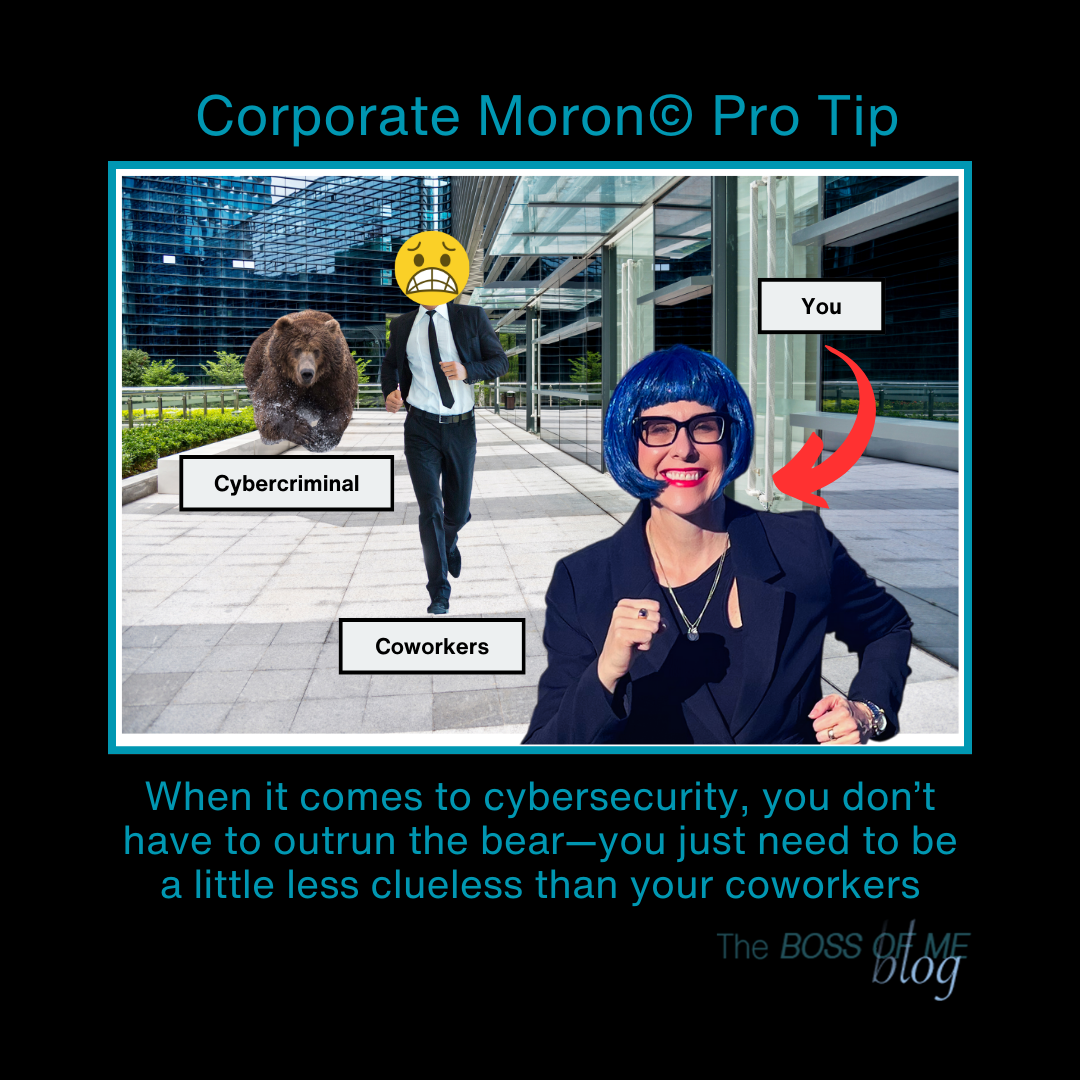
The best way to detract hackers and consultants is simple — make the target as small and unattractive as possible. In short, Corporate Morons© and the companies they work for just need to be slightly better at cybersecurity than other morons and their companies.
What to do if you think you might be the office cybersecurity risk
October is Cyber Risk Awareness Month. If you work in a corporate office, your cybersecurity team and their pals in other departments are likely doing their best to educate you. So pay attention.
No really. Here’s why…
- Cybercrime pays well so the bad guys aren’t going away anytime soon. The U.S. Agency for International Development estimates the global cost of cybercrime at $8 trillion in 2023, a figure it projects to rise to $23.84 trillion by 2027. Cybercriminals are coming at you and your organization with everything they’ve got so you need to be prepared.
- There aren’t enough skilled good guys to fight off the bad ones. According to the ICS2 2024 Cybersecurity Workforce Study, the global cybersecurity workforce gap is 4.8 million (up 19% YoY) and cybersecurity job satisfaction is declining. No kidding job satisfaction is declining because AI is battling AI and Corporate Morons© everywhere are basically asking to be taken down by not following the simplest of security protocols.
- The threat landscape is the most challenging that 74% of your cybersecurity colleagues have encountered in the past five years. I know these folks say this every year as 75% of these people said this last year according to the same study referenced above. But still. If our cybersecurity professionals are telling us that things are getting worse out there, they are.
Ready to listen now?
It’s important. And no one wants to look like a moron at work, never mind be one. You too can be a cyber defender by taking accountability and doing your part. Here are a few ways how:
- Don’t contribute to the problem. Follow corporate security protocols, and learn how to spot suspicious activities. Simply put, change your password regularly, don’t click on unverified links and don’t download unauthorized third-party apps. Do not disable security management software and other tools installed on your devices. Your cybersecurity team doesn’t need to be dealing with you while sophisticated bad actors are simultaneously flooding your network with false requests and injecting malicious code into Cyber Risk Ray’s unsecured laptop.
- Learn how to defend and stay vigilant. Participate in education and training sessions and learn where to find the most current information. Make friends with the cybersecurity team and other security professionals at work. While they usually cannot share specifics, they have the best stories and will help you stay safe. Share your knowledge with your team and colleagues.
- Slow down. Don’t be too quick to act. I get it, it’s tempting to go through emails as quickly as possible, especially at the end of the day or after work hours. But in my experience, nothing good happens past 5 pm. And when in doubt, consult your colleagues before you click on that not-so-obvious phishing email. A simple message to one of my coworkers one night would have saved me and several team members from failing a simulated phishing exercise. Four of us clicked on the same link that immediately altered the cybersecurity team to the fact that they had several morons concentrated in my department. This situation was particularly embarrassing as most of us worked directly with our IT team on a daily basis and were responsible for procuring cybersecurity tools and services.
Ultimately, you and your organization only need to be a little less clueless than your colleagues and other companies. The bear, or cyber criminals, will attack the closest, easiest, most attractive target. So get running. Educate yourself and ensure you and your organization stay ahead of everyone else!
And above all else, you want to avoid becoming the office cheesy puff.
What are you doing to do to stay cybersafe?
Are you a Corporate Moron©? Find out here:
Originally published in Never Stop Writing on Medium: Cyber Risk Ray and Other Disastrous Corporate Morons© at Work on October 8, 2024.


 The BOSS OF ME blog
Leave a reply to boldly9ff356fa14 Cancel reply